

Best WordPress Plugins for Small Businesses in 2026
Small businesses run on budget and this is why not only they seek the best solutions for their business but also affordable or possibly free ones. WordPress is perfect for small businesses because it is open source, both affordable and dynamic. However, WordPress based websites are only highly functional when they are equipped with various plugins.
These plugins may cost high if not chosen right by the owner or tech employees. You need to make through research to list down the best WordPress plugins for small businesses. And then make a need-analysis to find which one you will need and how can you get the maximum value out of them.
Our today’s article will help you discover a number of cost-effective but highly functional WordPress plugins that are suitable for small businesses. This article is for you, if you want to:
- Elevate your WordPress-based business website’s performance with full gear and make it dynamic.
- Want to give the best experience to your customers without breaking the bank.
- Make your website the centre of your business and grow revenue with various features of it.
How to Choose the best WordPress plugins for small Businesses?
WordPress can be a faithful friend of yours by saving your money and help you excel your business. With more than 59k+ plugins specialized in serving specific purposes, it gives you the freedom to choose and options to test before making any decisions. Almost all of these plugins has free plans or at least a trial period which you can utilize to learn the usability before making any transactions.
However, not all of these plugins are suitable or functional enough to help you grow your business. You have to be wise enough to understand that choosing the relevant plugins by understanding their features is crucial to your website development. Here are factors you need to consider before making the decision:
Use-case
First thing first, what are you willing to achieve? If you are willing to create forms on your website, you will need a highly dynamic WordPress form plugin. Understandably, there are many plugins that come with form components but they are not complete. This is why you need to understand use-case like how much advancement you want in your forms.
Compitability
Next thing you need to look for is the compatibality. As WordPress is built on various builders and themes, not all of them are compatible with each other. Many free WordPress themes do not support advanced or less popular builders. Many free WordPress plugins do not work properly with various themes. So, checking compatibility is a must.
Budget
As we are talking about small business, budget automatically becomes a key factor. You must check what kind of budget you will need to use this plugin over the years. Additionally, many free WordPress plugins has the capacity to perform on same level as a premium one. If you want to save operational expenditures, avoid premium where free version is good enough.
Customer Support
Many businesses ignore this while making decisions and regret later. Doesn’t matter how good deal you are getting, always check the customer support status and commitments. If you pick a plan that doesn’t a priority support, you may lose a lot of your time emailing the support agents or posting on various forums which will cost your valueble time.
Additional Perks
WordPress plugins come with many additional perks such as, discount on future renewal or Lifetime deals (LTD). Especially when you are making decision on budget, do check those perks clearly. Not only the official websites, but many blogs and affiliates offer coupon code that you can use to avail exciting deals.
Considering these facts, you should find the best WordPress plugins for your business. By doing so, you can turn your website into a competent and dynamic one to ensure security, speed, analytics, backup, email marketing, and more. Our handpicked best WordPress plugins for small businesses are here to help you grow your business. Without more ado, let’s start!
Best WordPress Plugins for Small Businesses
The list below includes some of the best plugin in WordPress that are useful enough to serve any small business website purpose. Having thorough ideas about all these top WordPress plugins will help you make the best decision.
1. Product Carousel Slider & Grid Ultimate for WooCommerce

If you plan to boost the sales rate of your WooCommerce-based business website, then Product Carousel, Slider & Grid Ultimate for WooCommerce can be an ideal choice for you. The plugin helps you effectively display your store’s products using attractive and eye-catching carousel, slider, and grid formats. With minimal space consumption, you can display products effectively using this plugin.
This one of the best WordPress plugins for small businesses comes with tons of features and functionalities, so it doesn’t matter if you have the technical knowledge or not. The plugin is fully responsive so that it fits well on any device.
Moreover, the dynamic shortcode generator creates unlimited shortcodes by which you can show total products on any page, post, custom template, or widget on your site. To explore more on this plugin, take a tour of Product Carousel Slider & Grid Ultimate Pro for WooCommerce.
Exclusive features:
- Fully responsive and mobile-friendly for users
- Option to generate unlimited product carousel slider and grid
- Unique settings available for each theme
- Complete control of the number of products to display different device
- Compatible with all modern browsers
Pricing plan:
Both free and paid versions are available for the plugin. The annual price for the paid plan starts from $27 (For a single site) with a 1- year update and priority support.
2. Jetpack

If you search for a dynamic tool that provides your business website with a wide range of functionalities in terms of security, marketing, and performance, happily go for Jetpack. With this robust plugin, you can create, customize and optimize your website in a user-friendly way to earn more revenue. Jetpack is fully compatible with Google AMP, and without using any line of code, you can make your website super fast in a short time.
This essential plugin for WordPress security comes with comprehensive and easy-to-use security features like malware scans, real-time backups, easy restores, and spam protection. Furthermore, some must-have features like downtime/uptime monitoring and brute force protection are entirely free.
Exclusive features:
- 24/7 auto site security
- Brute Force attack protection to secure login page
- Lazy load images to offer a super-fast experience
- Advanced site stats and analytics to understand audiences
- Easy design tools to quickie customize a website
Pricing plan:
Jetpack has both free and paid plans. The Backup plan monthly price costs $5 if billed yearly to get the paid plan.
3. FormGent

Every business websites require a contact form and this is why there are tons of WordPress form plugins available on the market. Businesses use contact form pluginss for not only collecting leads but for other functional purposes such as request quote, appointment booking, customer support ticketing, job application management, feedback and survey response collection etc. Overall, it is one of the most common and essential plugins small business websites require.
FormGent is one of the latest AI-powered form builder for WordPress that is suitable for specific needs of most small businesses. Primarily it offers a number of field types such as name, email, contact, short text, long text, drop down, checkbox and many more. The AI-powered form creation features enable users to create forms with just prompt without creating block by block. On top of that, FormGent also allows users to create conversational forms that are known for higher completion rate and lower bounces.
While small businesses always seek to use the most advanced features, they cannot afford to pay premium prices year-on-year. FormGent is affordable in every sense as most of its’s features are free. On top on that, FormGent Premium pricing are also relatively lower that the leading form plugins available in the market.
Exclusive features:
- Fully responsive on all devices
- Create multi-step conversational forms
- Built in templates and AI-powered creation
- Integration and Webhooks
- Tons of free fields
Pricing plan:
FormGent offers both free and paid plans. The Premium pricing starts from $49/year for basic plan rising up to $99/year. In addition, a short time Lifetime Deal (LTD) is currently available at $399/LTD with 60% off* making it $159/LTD.
* Offers may end anytime. Please contact with us in case of any update on pricing plan or discrepancy.
4. Legal Pages

Do you want to operate your business website hassle-free without facing any legal lawsuits? We think all of you will answer ‘yes’ to this statement. If your website offers products and services and doesn’t display any legal page for that particular product or service, then there is a huge possibility of facing consequences from authority and visitors.
To help you rescue from facing this situation, the best plugin in WordPress is Legal Pages. You can effortlessly generate policy pages such as Terms of Use, Privacy Policy, Cookie Privacy Policy, and DMCA using it’s templates. No coding skills or legal expertise is required to generate such contents but you need to consult a legal professional for proofreading. A total of 29 legal page templates are available now on the Pro version. Using such plugins not only saves your business from a financial and reputational hazard but also saves a lot of your valuable time.
Moreover, you have the freedom to tailor the pages as per your business need and publish them using the auto-generated shortcode. The popups can also be placed in different locations on your website for a smooth user experience.
Exclusive features:
- The highest number of legal templates in the free version compared to other plugins.
- Easy one-click legal template insertion option.
- Option to edit and customize all legal templates with WP editor
- Facility to generate unlimited pop-ups
- Modern object-oriented codes
Pricing plan:
Both free and paid plans are available for the plugin. In terms of the paid version, the single site annual base price costs $39 with a 1-year update and priority support. You can also avail the Lifetime deals at as low as $119/site.
5. BookingPress
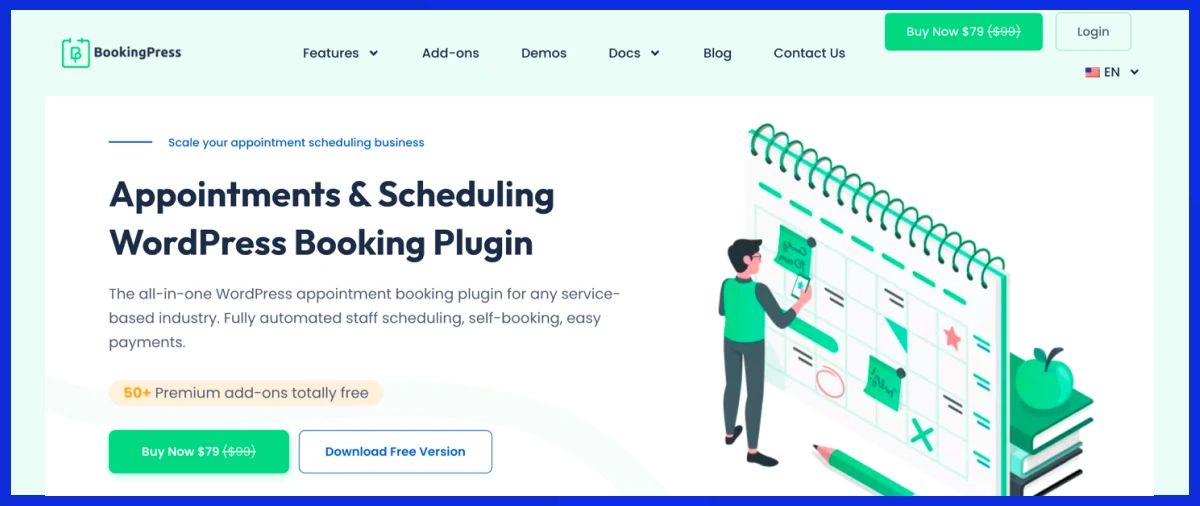
Want to accept appointments online with zero hassle and manage everything from one place? Tired of juggling endless calls and messages just to manage appointments? Introducing BookingPress. This is the best WordPress plugin for small service business owners who want to grow their revenue.
Whether you run a salon, spa, clinic, fitness studio, rental store, consultancy firm, or any other small service business, BookingPress is the best-fit for all. The plugin is super quick to install and setup. Plus, the user interface is extremely simple yet modern, even “non-techies” and beginners can get used to it.
BookingPress is an all-in-one WordPress appointment booking plugin that turns your simple WordPress business site into a feature-rich online booking system using its 60+ premium addons. You can create your own branded booking form that accepts bookings 24/7, with zero coding.
The best part is, after a client books an appointment, they receive confirmation and appointment reminders automatically via Email, SMS, WhatsApp and Telegram. For ensuring everyone, clients and your staff members, stay on the same page, this plugin two-way syncs bookings across popular calendars like Google, Outlook and iCal.
Exclusive features:
- Fully responsive and modern user interface.
- 20+ payment gateways for full or deposit + POS System for on-site transactions.
- Unlimited appointments, services, staff members and locations.
- Advanced staff management alongside a dedicated dashboard for all your employees.
- Centralized analytics dashboard.
Pricing plan:
BookingPress has both free and paid plans. The Premium plan starts from $89/year, only for 1 site, including premium customer support.
6. Bit Integrations
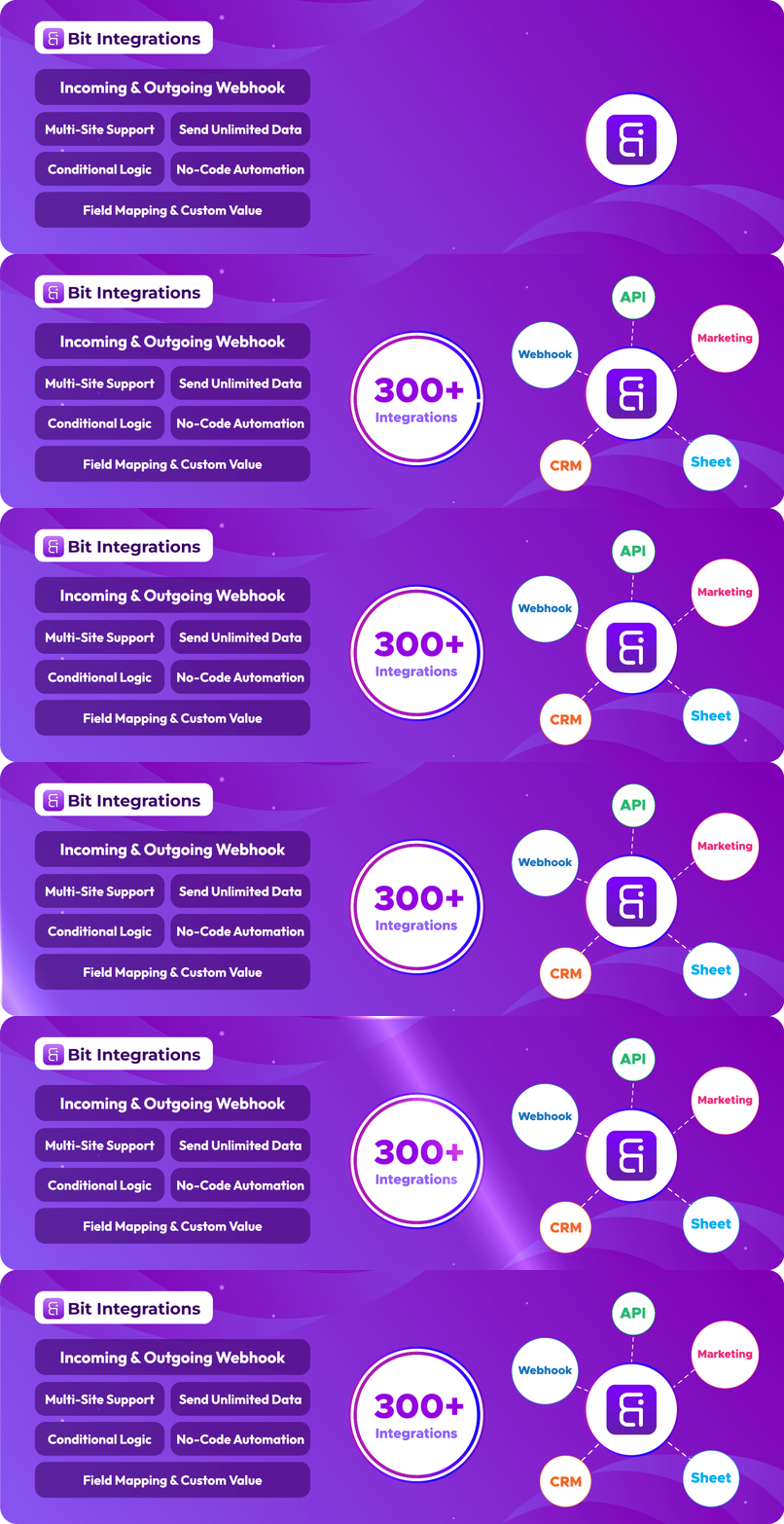
Bit Integrations is exactly what your business needs. It automates your day-to-day tasks and keeps everything running on autopilot. The plugin supports over 300 integrations, including WooCommerce, popular form builders, Google Sheets, MailPoet, Zoho CRM, Brevo, and Telegram. You can automate your entire WordPress site easily, without writing a single line of code.
For instance, every time someone submits a form, makes a purchase, or signs up on your site, Bit Integrations instantly sends that data where it belongs, to your CRM, email marketing tool, or spreadsheet. It reduces manual and repetitive works and does the heavy lifting for you.
Bit Integrations offers unlimited workflows, tasks, and steps unlike other automation tools that cap uses limit. The free version is suitable for small businesses to give them a solid start, offering 5 free triggers such as WooCommerce, Elementor form, Contact form 7, Bit Form, WPForm, sending data to 150+ popular action platforms. It’s built to help small business owners save time and focus on growth instead of repetitive tasks.
Exclusive features:
- Extensive integration library – over 300
- No-code automation
- Incoming and outgoing webhook – No limitation cap
- Custom trigger
- Custom action
- Field mapping and custom value
- Advanced conditional logic for data filtering
- Unlimited workflow
Pricing plan:
Bit Integrations offers both free and premium options. The Pro plan starts at just $39 per year, while the Lifetime Deal (LTD) starts at only $110 giving you lifetime full access with a one-time payment.
7. Post Grid, Slider and Carousel Ultimate

Whether you want to do business or start a blogging website, this part of the writing can help you immensely. Nowadays, having a website full of blog posts about different content is lucrative to boost earnings. If you want to display blog posts or any other custom posts attractively and decently, then ‘Post Grid, Slider and Carousel Ultimate’ is a wise choice to elevate the post display experience using grid and carousel sliders.
There are different layouts for the grid and carousel to offer readers a pleasurable post-reading experience. The automatically generated shortcode allows you to display posts anywhere on your website. The intuitive interface is easy to understand, and you don’t need to be a coding expert to handle the plugin. Take a tour on Post Grid, Slider and Carousel Ultimate Pro to drive up the post displaying experience.
Exclusive features:
- Facility to generate unlimited post grid, carousel, and slider
- Customizable columns compatible with any device
- Easy shortcode insertion using Gutenberg editor
- Display posts on the sidebar using a custom widget
- Very lightweight in use and translation ready
Pricing plan:
Post Grid, Slider, and Carousel Ultimate offers paid and free versions. For the paid ones, the single site yearly pricing starts from $27 and premium support and 1-year update.
8. Ninja Tables

Ninja Tables offers immense features and functionalities to give a dynamic table creation experience on any post or page for your business website. Without writing a code, you can design your tables in any way you want. The intuitive admin panel allows you effortlessly generate and customize tables anytime you want.
The layouts are friendly enough for users to manage them with minimal effort. Ninja Tables offers over 100 table design styles from which you can choose any based on your preference. Moreover, the dynamic plugin is adorned with the three most popular CSS libraries offering unlimited color schemes.
Exclusive features:
- Fully responsive and works great on any device
- Offers more than 100 tables to choose from styles
- The Three most popular CSS libraries with unlimited color schemes
- Semantic UI table styles option
- Frontend table editing facility
Pricing plan:
The plugin offers both free and paid plans. In terms of the paid plan, the single site annual license costs $49.
9. Rank Math SEO

Business success depends on informing more people about the products or services you have on your website. The more people are informed about your site then, the possibility of getting more conversions will increase. To make a website rank higher on the website, you must optimize it efficiently. That’s why Search Engine Optimization (SEO) comes to light.
Among different tools for SEO, Rank Math SEO has established itself at a new height. Anyone without any coding knowledge can optimize their content with the plugin’s widely accepted default suggestions. Rank Math SEO comes with unique features that give you the best SEO performance to optimize your site’s content. You can write SEO-optimized content entirely using the Artificial Intelligence (AI) feature.
The setup wizard is easy enough to offer a step-by-step installation and configuration wizard to perfectly set up the plugin with the WordPress site. The smart automation features of Rank Math SEO give you optimized SEO, as an entire team does.
Exclusive features:
- Easy to follow setup wizard
- Effortless configuration system on Google Schema Markup
- Option to optimize unlimited keywords
- Robust content AI functionality
- Integration with Google Search Console
Pricing plan:
One of the best WordPress plugins for small businesses offers both free and paid versions. For the paid ones, the annual price for the pro plan starts from $59.
10. Bit Social
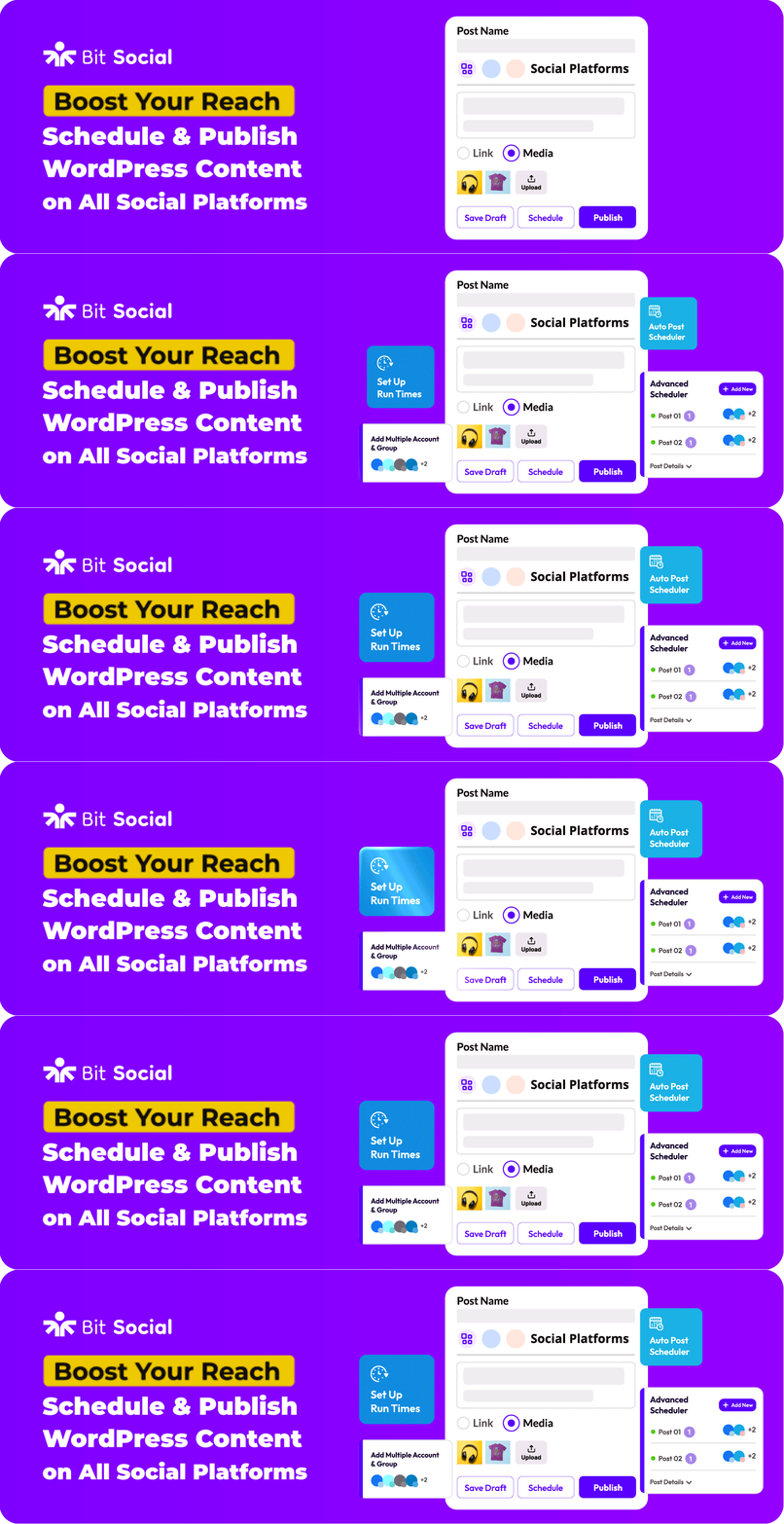
Bit Social is the ultimate social media auto poster and scheduler, especially designed for WordPress users. This simple WordPress plugin eliminates the need to juggle between websites and multiple social media platforms. It reduces manually copy-pasting every WordPress post across multiple social media platforms.
Just connect your social accounts with Bit Social and it will automatically share your blog posts, WooCommerce products, and CPT across the connected networks such as Facebook, Instagram, LinkedIn, Pinterest, Tumblr, Twitter(X), and more.
Moreover, you can schedule your posts ahead of time and publish at best time using the advanced scheduling feature. This way, you will not miss deadlines and increase customer engagement without any manual work.
Exclusive features:
- Integrates with 12+ popular social media platforms.
- Auto post to multiple social media accounts simultaneously.
- Schedule bulk WordPress posts to publish on social media at the best time.
- Filter posts by category to target the right audience.
- Share CPTs such as portfolios, customer reviews, product pages, etc.
- Offers customizable post templates.
- Auto share custom posts instantly on social media without creating any new WordPress posts.
- View your scheduled posts in a modern calendar view.
Pricing plan:
Bit Social offers both free and premium plans. It has two premium LTD plans: Starter LTD $99/one time for 1 site and Agency LTD $196/one time for unlimited sites.
Finishing Off
The success of your business purely depends on making thoughtful and well-timed decisions. This is the precondition of every business’s success. That’s why to make your small business site grow big; you need to pick plugins that serve your purposes fully. Once you make the best use of these plugins, it will accelerate your business to a new height.
In today’s article, we have shown the best WordPress plugins for small businesses that are useful enough to play a crucial part in achieving business success. So, it would be best if you were thoughtful enough to grab the most useful one for your business. Do you have more plugins to suggest? Feel free to share your thoughts in the comments section.
If you liked this post, don’t forget to subscribe to our blog so that we can notify you once any post is published. Finally, you can also follow wpWax on Facebook, Twitter, and LinkedIn for more exciting news, offers, and product updates.



Leave a Reply
You must be logged in to post a comment.