

Best WordPress Appointment Booking Plugins for Service Businesses
If your business runs on appointments, the booking experience is part of your service. A clunky or confusing form, a missing confirmation, or a double-booked slot reflects on you before the client even walks through the door.
WordPress has no shortage of appointment booking plugins, but not all of them are built for the same problem. Some are great for solo practitioners who need a simple calendar. Others are built for multi-staff businesses with complex scheduling rules. A few are designed specifically around the booking form itself – how it looks, how it behaves, and how it converts.
This guide covers the best WordPress booking plugins in 2026, what each one actually does well, and who it makes the most sense for.
What to Look for in a WordPress Booking Plugin
Before picking a plugin, it helps to be clear on what your business actually needs. A few questions worth answering first:
How complex is your scheduling?
A solo consultant with a fixed schedule has different requirements than a five-person clinic where each staff member handles different services with different durations.
Do you need payments at the time of booking?
Some plugins include payment processing in their free or entry tier; others require a paid upgrade or a specific gateway.
How much do you want to automate?
Confirmation emails are table stakes. But reminders the day before, follow-ups after, and rescheduling prompts require a more capable system.
Who installs and maintains it?
Some plugins are quick to set up for non-technical users. Others give developers more control but take longer to configure correctly.
With that in mind, here are the plugins worth considering.
Related: Best Tour and Travel Booking WordPress Plugins
1. Amelia
Amelia is one of the most complete appointment booking plugins for WordPress, with a polished booking interface that works cleanly for both service appointments and events.
On the backend, it handles multiple staff members, services, and locations, with Google Calendar and Outlook sync. Clients get a step-by-step booking flow that’s well-designed and straightforward to complete. Payment support includes Stripe, PayPal, WooCommerce, Mollie, Razorpay, and Square, covering most use cases without needing a gateway extension.
Amelia also supports recurring appointments, packages, and custom fields — useful for businesses where clients book the same service regularly or where you need to collect information before the appointment.
The free Lite version covers basic scheduling for a single employee. The Pro plan starts at $119/year for three sites, which includes staff management, payments, and automated notifications.
One note for buyers: Amelia released a significant version 9.0 update in late 2025, and early adoption reviews on Trustpilot reflect the instability of that launch. By mid-2026 the plugin has stabilized through several point releases, but it’s worth reading recent reviews before committing.
Best for: Multi-staff service businesses, wellness centers, clinics, and businesses that also run events alongside appointments.
Pricing: Free version available. Pro from $119/year (3 sites).
2. BookingPress

BookingPress is a feature-rich appointment booking plugin for WordPress, built specifically for service-based businesses. It covers the complete booking workflow, from the customer-facing appointment form to staff management, payments, and follow-up communication on the backend.
On the management side, BookingPress handles multiple staff members, services, and locations, with real-time availability tracking and calendar synchronization. The booking form itself is fully customizable, so it can be styled to match your site rather than looking like a bolted-on widget. Automated notifications go out via email, SMS, WhatsApp, and Telegram, which helps reduce no-shows and keeps clients informed as their appointment approaches.
Payment flexibility is one of its stronger points. BookingPress supports both on-site and online payments, full or deposit, through 20+ gateways including PayPal, Stripe, Authorize.Net, Razorpay, Mollie, and WooCommerce, with POS support as well.
Paid plans bundle 60+ add-ons covering recurring appointments, group bookings, service extras, custom service durations, cart-based booking, package bookings, video conferencing integrations, and coupon and discount options. Because these come bundled rather than sold individually, the core interface stays uncluttered while the deeper functionality is available when a business needs it.
Best for: Service businesses including salons, clinics, rental services, home services, fitness studios, and coaching centers that need a reliable booking system with a wide range of payment gateways and an easy setup experience.
Pricing: Free version available. Paid plans from $89/year.
3. FluentBooking
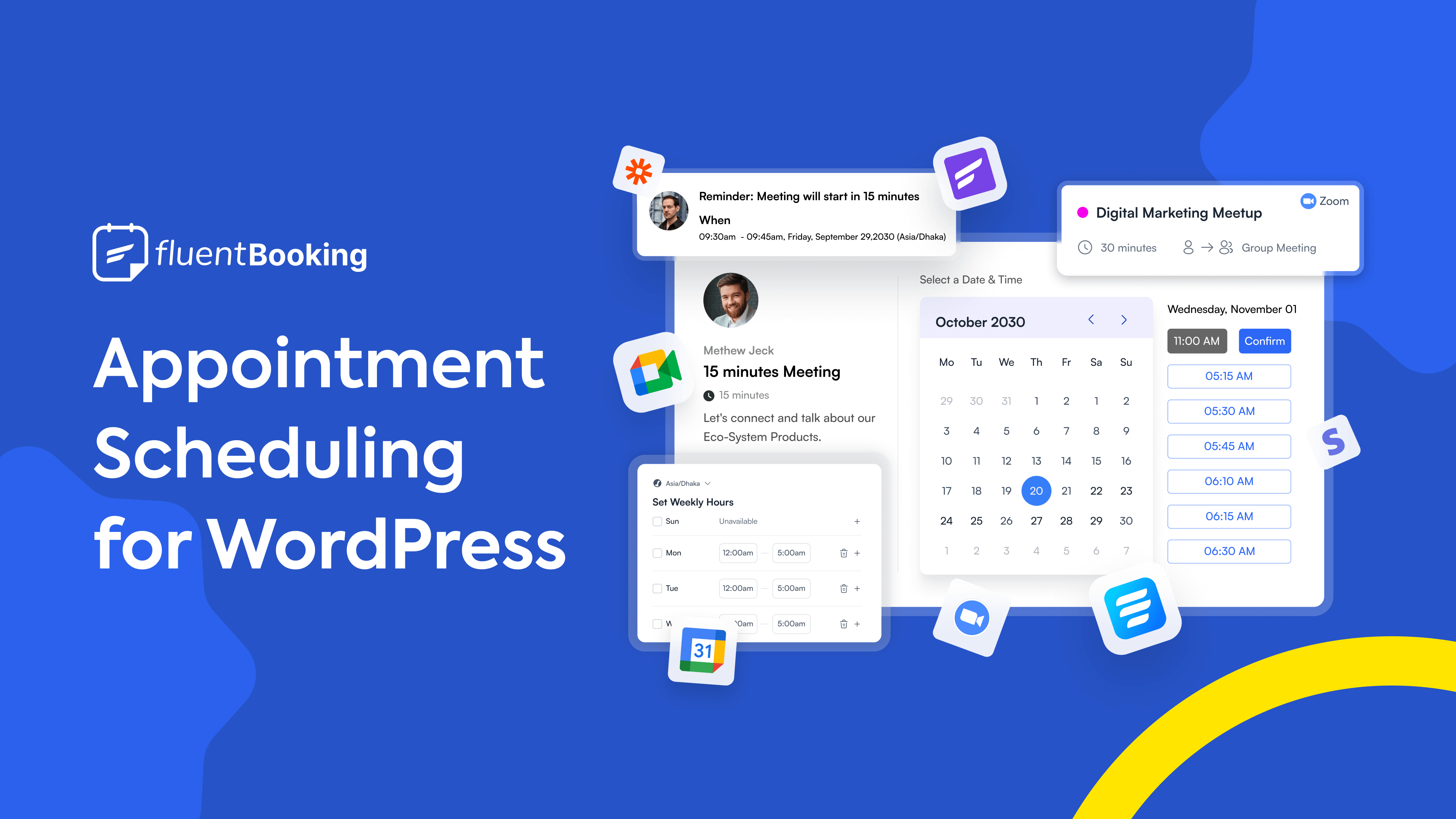
FluentBooking is built by WPManageNinja. It takes a Calendly-style approach to scheduling – clean, fast, and focused on getting a booking link in front of clients without unnecessary friction.
It handles multiple event types, real-time availability, two-way Google Calendar and Outlook sync, and video meeting integrations with Zoom, Google Meet, and Microsoft Teams. For consultants, coaches, and sales teams who book a lot of 1:1 sessions, the setup is fast and the booking experience is straightforward for clients.
The pricing model is an advantage for budget-conscious buyers: a one-time lifetime license starting at $249 eliminates recurring fees. For businesses already using FluentForms or FluentCRM, FluentBooking integrates directly into that ecosystem, which reduces the number of tools you’re managing.
The trade-off is depth. FluentBooking is strong on scheduling and calendar management but has a narrower payment gateway list and doesn’t go as deep on service business features like deposits, packages, or resource management. It’s the right pick for scheduling-focused use cases more than full-service management.
Best for: Consultants, coaches, agencies, and teams that book a lot of meetings and want a lightweight, calendar-first system.
Pricing: Free version on WordPress.org. Pro from $79/year or $249 lifetime (single site).
4. LatePoint

LatePoint stands out for its booking interface. The front-end flow is clean and fast, and the admin dashboard is one of the better-looking ones in this category — which matters if your team spends time in it every day.
It covers the practical needs of most service businesses: multi-agent scheduling, Google and Outlook calendar sync, Zoom integration, customer accounts, and SMS/email notifications. All paid features are included in every paid plan, which keeps the pricing straightforward — no feature gating within a tier.
The free version is usable but limited to one service and basic notifications. The Starter plan at $79/year or $199 lifetime unlocks the full feature set for a single site.
Where LatePoint has less depth is in payment gateway variety — Stripe is native, and other gateways require add-ons. For businesses that need to accept payments through regional processors or need deposit-only options, that’s worth verifying before buying.
Best for: Small to mid-sized service businesses that want a modern interface and clean booking UX without a steep learning curve.
Pricing: Free version on WordPress.org. Starter from $79/year or $199 lifetime.
5. Simply Schedule Appointments
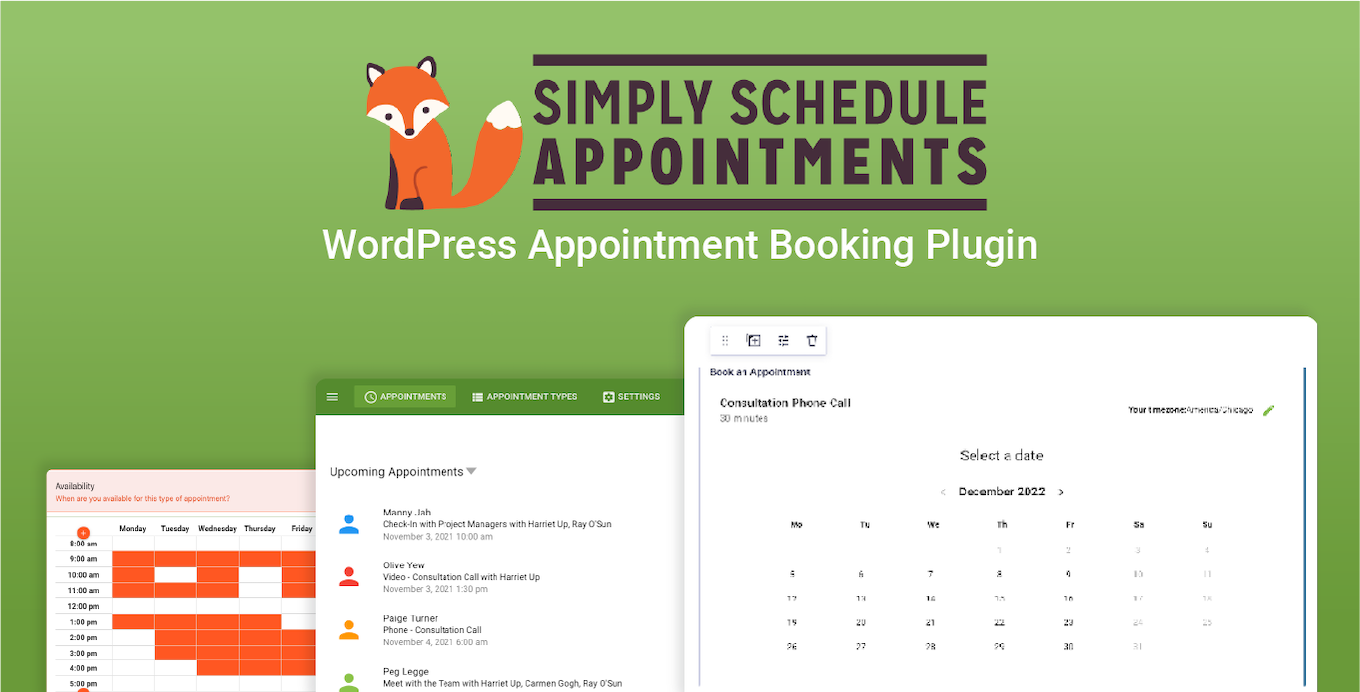
Simply Schedule Appointments takes a different position in this market: it prioritizes accessibility and ease of use above everything else. The plugin is active on 70,000+ sites and consistently earns high marks for setup speed and support quality.
The booking calendar is easy to configure and straightforward for clients to use. Google Calendar sync is included, and the plugin integrates with popular page builders, Gravity Forms, Zapier, and other tools that service businesses often already have in place.
For a solo practitioner or small business that doesn’t need staff management or complex payment flows, it gets you taking bookings faster than most alternatives. The free version is genuinely usable for basic scheduling.
Advanced features like payments, team scheduling, and deeper integrations require the paid editions, which are priced per tier rather than per site.
Best for: Solo practitioners, coaches, and small businesses that want a fast, accessible setup with solid support.
Pricing: Free version on WordPress.org. Paid editions from $99/year.
6. Bookly
Bookly is one of the longest-running WordPress booking plugins and has a large active user base. It follows a free core plus paid add-on model, where the base plugin handles basic appointment booking and you extend it with paid modules for payments, staff management, recurring appointments, and integrations.
The upside is flexibility — you pay for what you actually need. The downside is that the cost can add up if your business needs several extensions, and the interface carries the visual weight of a plugin that’s been around for years.
The free version is a reasonable starting point for businesses that want to test whether online booking works for them before investing in a more complete system. Paid plans start at $49/year with lifetime options available.
Best for: Businesses that want to start with a free plan and expand incrementally, or those looking for a well-established plugin with a large support community.
Pricing: Free version on WordPress.org. Paid plans from $49/year.
7. FormGent (for form-driven booking collection)

Not every booking use case needs a full appointment management system. If you run a service business where bookings come in through a contact or inquiry form – and you manage scheduling manually or through a separate calendar – a well-built form plugin can handle the job cleanly.
FormGent is a WordPress form builder with a date and time picker, conditional logic, multi-step layouts, and payment integration with PayPal and Stripe. It lets you build a booking intake form that shows different fields depending on what the client selects, collects payment at the time of submission, and sends confirmation emails immediately to the client, your team, or multiple stakeholders.
Where it differs from a dedicated booking plugin: it doesn’t prevent double bookings, manage staff availability, or send scheduled reminders. It captures the booking request and confirms receipt — the rest of the workflow sits outside the form.
This makes it the right tool in two situations: when you need a clean, branded booking form with more design control than a standard booking plugin offers, or when you want to collect booking information through a multi-step form and handle the actual scheduling separately.
Best for: Service businesses with simple scheduling needs, inquiry-based bookings, or those who want full control over the form experience before sending leads into a separate system.
Pricing: Free version on WordPress.org. Paid plans from [verify current pricing].
Which Plugin Fits Your Situation
There’s no single answer, because these plugins solve overlapping but distinct problems.
If you need a full booking system with staff management, automated reminders, and broad payment support, Amelia and BookingPress are the two most capable options in the WordPress-native category. Amelia is on WordPress.org with a well-established track record; BookingPress is distributed directly from their site, which is worth knowing before you install.
If your priority is a clean, modern scheduling experience with a Calendly-style flow, FluentBooking and LatePoint are both strong and more focused in scope.
If you’re a solo practitioner or small business that wants to get up and running quickly, Simply Schedule Appointments consistently gets good marks for ease of setup and support.
If you want to start simple and grow into more features over time, Bookly’s free-to-paid model gives you that path.
And if you need a highly customizable booking form rather than a full scheduling system, FormGent gives you more control over the form experience than most WordPress booking plugins offer.
Read More


S. M. Navid Anjum
Digital Marketing enthusiast who loves to write technical reviews and trendy contents. Currently working with WordPress Plugin Marketing and growth. Open to collaboration and co-marketing opportunities with any SaaS and plugins.


Leave a Reply
You must be logged in to post a comment.