

Contents
- Stage 1: WooCommerce Plugins Toolkit for Beginners (Launch Essentials)
- Stage 2: WooCommerce Plugins Toolkit for Intermediate Users (Optimization & Marketing)
- Stage 3: WooCommerce Plugins Toolkit for Advanced Users (Scale & Automation)
- Conclusion
The Ultimate WooCommerce Plugins Toolkit (Beginner to Advanced)
Not every WooCommerce store needs the same set of tools. A store processing its first ten orders has very different needs from one managing thousands of SKUs, running subscription tiers, and syncing inventory across multiple marketplaces. Yet most plugin roundups treat every store the same, presenting a flat list of tools with no guidance on sequence, priority, or fit.
This article takes a different approach. The eleven WooCommerce plugins toolkit below are organized into three stages that reflect how real stores actually grow: getting the foundations right, optimizing for performance and marketing, and then scaling with automation and advanced data management. Within each stage, you will find clear guidance on what each plugin does, who needs it, and what to look for in both the free and paid versions.
Related: WooCommerce Templates and Plugins for Small Businesses
Stage 1: WooCommerce Plugins Toolkit for Beginners (Launch Essentials)
These are the tools you need before you open your store to customers. Without a reliable payment gateway, you cannot take orders. Without a privacy compliance plugin, you face legal exposure. Without basic SEO in place, your products will not surface in search. Get these four right first — everything else builds on top of them.
1. WooCommerce Stripe Payment Gateway

The payment gateway is the single most consequential plugin decision you will make. Stripe has become the dominant choice for WooCommerce stores for good reasons: its checkout flow keeps customers on your site rather than redirecting them to an external page, its fraud detection is mature, and it supports an unusually wide range of payment methods – credit and debit cards, Apple Pay, Google Pay, and buy-now-pay-later options through Stripe’s own integrations.
What to watch for in Woo Stripe Payment Gateway:
- Stripe’s transaction fees (currently 2.9% + 30¢ in the US) add up quickly at volume – compare against regional alternatives if you are processing more than $50,000/month
- Some advanced features like Stripe Radar fraud scoring require the paid Stripe Radar plan, separate from the plugin itself
2. Elementor Website Builder

First impressions drive conversion. Elementor gives store owners a drag-and-drop visual editor that produces genuinely professional results without writing a line of code. For WooCommerce specifically, it includes purpose-built widgets for product pages, category grids, cart and checkout layouts, and dynamic product data – all editable in real time.
The free version covers a surprising amount of ground for new stores: a solid library of page templates, responsive design controls, and the core WooCommerce widgets. Elementor Pro adds the full Theme Builder, which lets you control headers, footers, and archive pages, along with a significantly larger widget library and form builder.
What to watch for in Elementor:
- Loading too many Elementor widgets on a single page can affect performance – pair with a caching plugin like WP Rocket for best results
- Elementor Pro pricing is per-site; if you manage multiple stores, the Agency plan is significantly more cost-effective
3. Rank Math SEO
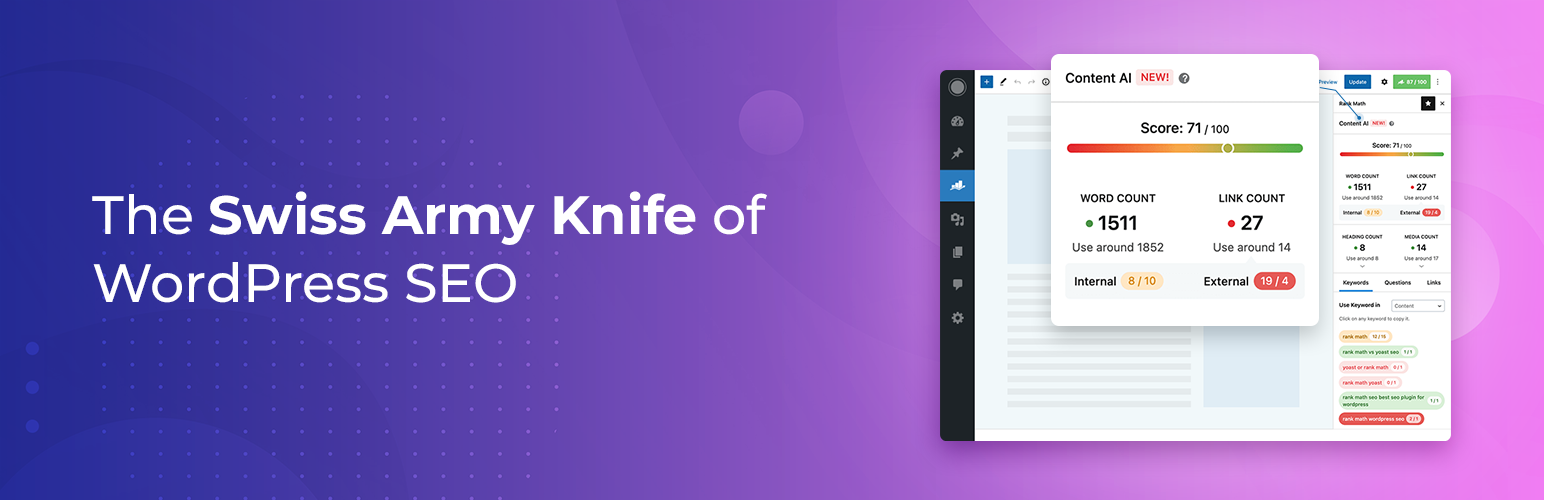
Organic search remains one of the highest-ROI acquisition channels for eCommerce – but WooCommerce does not come with SEO capabilities built in. Rank Math fills that gap. Its free version includes keyword optimization, schema markup (which helps your product listings appear with rich snippets in Google), on-page analysis with actionable scores, and automatic XML sitemap generation.
For WooCommerce stores, the most valuable features of Rank Math are the product schema support (star ratings, price, and availability directly in search results) and the bulk editing tools that let you update meta titles and descriptions across hundreds of product pages at once. The Pro version adds multi-keyword tracking, content AI suggestions, and more advanced schema types.
What to watch for in Rank Math:
- Do not install both Rank Math and Yoast simultaneously – they conflict directly
- Schema markup benefits only materialise once Google indexes your pages; do not expect immediate ranking changes after setup
4. GDPR Cookie Consent Plugin
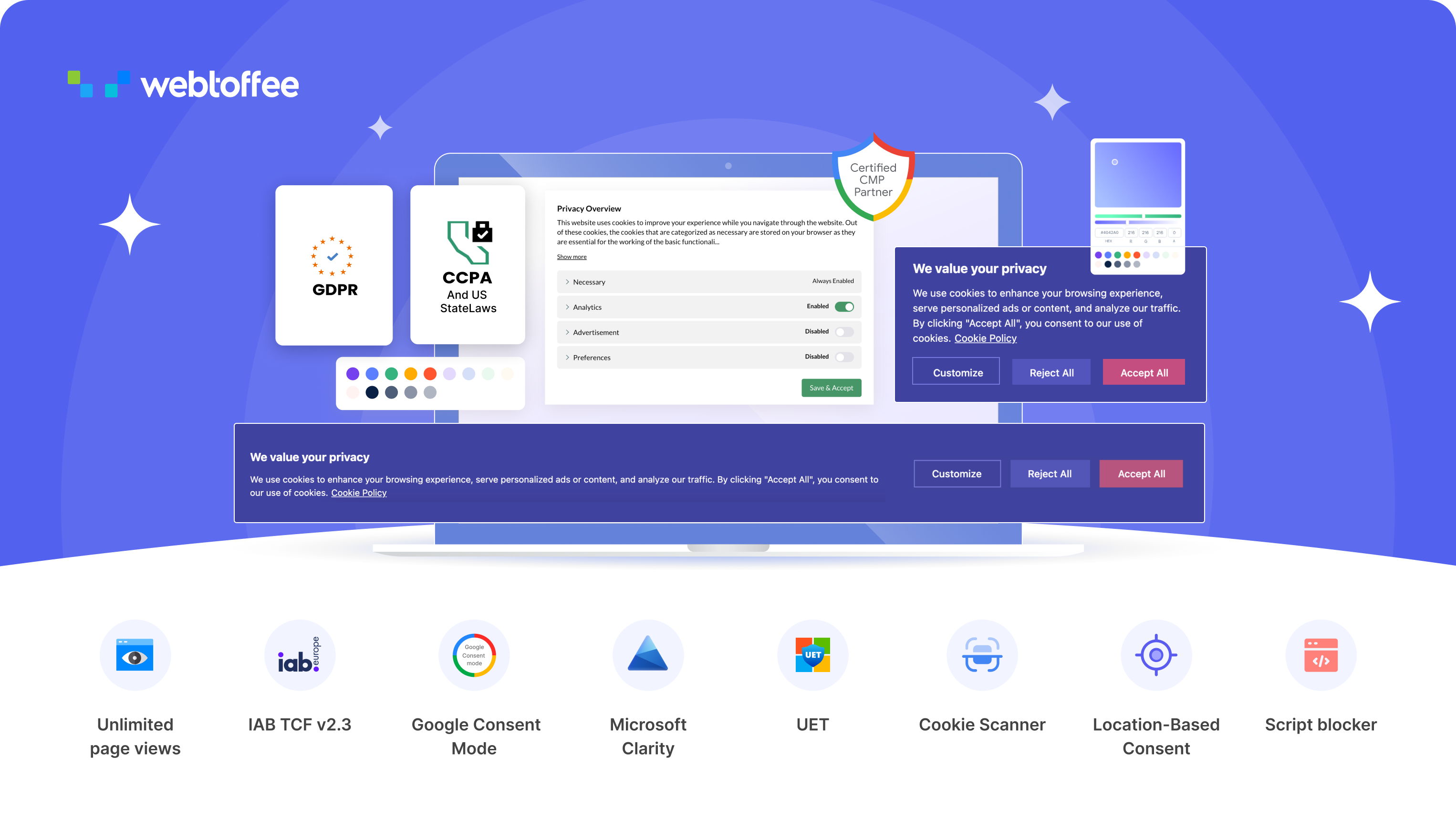
WordPress GDPR Cookie Consent plugin helps WooCommerce stores comply with global privacy regulations such as GDPR and CCPA. It enables businesses to display customizable cookie banners and manage user consent effectively.
It also includes features like consent logging, geolocation-based display, and customization options to match branding. This ensures compliance while maintaining a smooth user experience, helping build trust with customers and avoiding legal risks.
The plugin automatically blocks non-essential cookies until users provide explicit consent, ensuring strict compliance with privacy laws. It also supports advanced integrations like Google Consent Mode and IAB TCF frameworks, allowing businesses to manage analytics and advertising while respecting user privacy preferences.
What to watch for in GDPR Cookie Consent:
- The IAB TCF 2.3 framework support (available in the premium version) is required if you work with programmatic advertising partners
- Test your banner on mobile – consent UI frequently breaks on small screens and creates compliance gaps
5. PDF Invoices & Packing Slips for WooCommerce

Automated invoicing is one of those capabilities that seems minor until you are processing fifty orders a day and manually generating documents for each one. PDF Invoices & Packing Slips for WooCommerce handles this automatically: invoices are generated at order completion and attached to the customer confirmation email, with no manual action required.
The free version covers the basics well – automatic invoice generation, logo and basic template customization, and PDF attachment to order emails. This is sufficient for most small and growing stores. The plugin also generates packing slips, which fulfillment teams use to verify orders before shipping, and Credit notes for refund documentation are available via the premium add-on.
Where it moves into intermediate territory is its support for UBL and XML e-invoicing formats. Several EU countries including Italy, France, Germany, and the Netherlands now mandate structured e-invoice formats for B2B transactions.
What to watch for in PDF Invoices & Packing Slips:
- Verify that your invoice template correctly calculates and displays tax for every jurisdiction you sell into before going live
- For B2B stores in the EU, confirm which e-invoicing format your region mandates – UBL 2.1 and ZUGFeRD are the most common, but requirements vary by country
Stage 2: WooCommerce Plugins Toolkit for Intermediate Users (Optimization & Marketing)
Once your store is live and transacting, the priority shifts to growth: converting more of the traffic you already have, retaining the customers you have already acquired, and managing a larger product catalog efficiently. The plugins in this stage address those needs.
6. Smart Coupons for WooCommerce
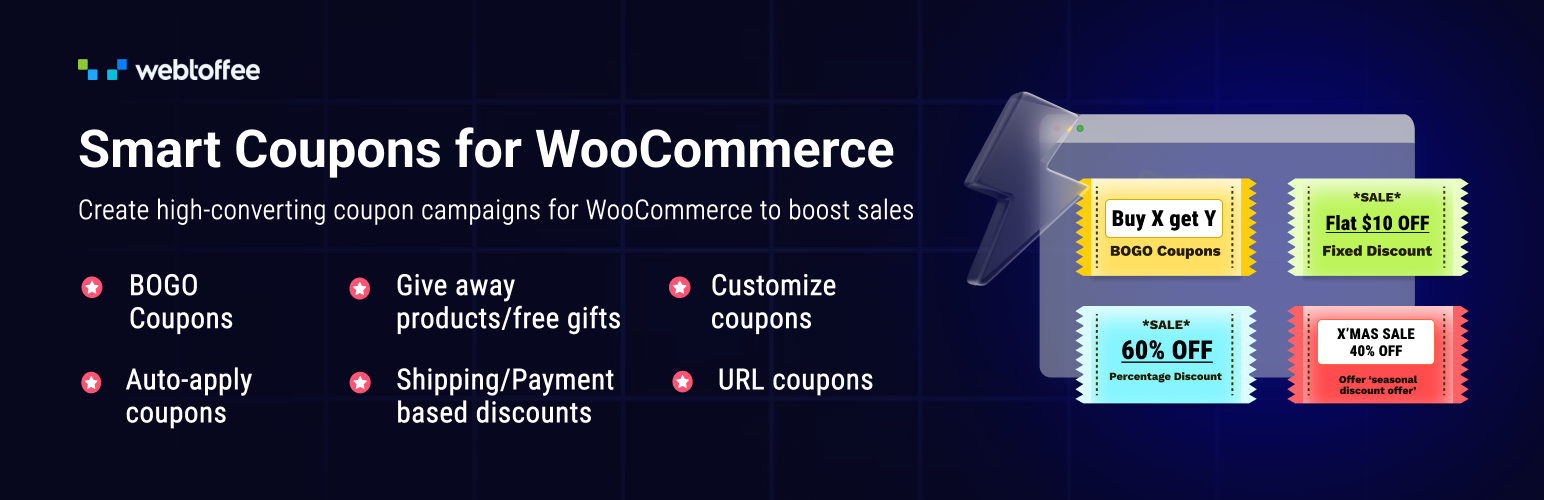
WebToffee Smart Coupons for WooCommerce enhances WooCommerce’s default coupon system by enabling advanced promotional strategies such as bulk coupon generation, auto-application of discounts, and store credit functionality. Recognized as one of the best WooCommerce coupon plugins, it allows businesses to create targeted campaigns based on user behavior, cart value, or purchase history, making promotions more effective.
The free version provides basic discount rules and limited restrictions, enough to run simple promotional campaigns. The premium version unlocks auto-apply coupons (discounts that activate without the customer needing to enter a code, which measurably reduces cart abandonment), scheduled campaigns, and email-based coupon distribution with built-in tracking.
What to watch for in Smart Coupons for Woo:
- Stacking multiple coupon rules can produce unexpected discount combinations – test your promotion logic thoroughly before launch
- Auto-apply coupons are powerful but require careful scoping – without proper conditions, they can trigger on unintended purchases
7. Advanced Shipment Tracking for WooCommerce
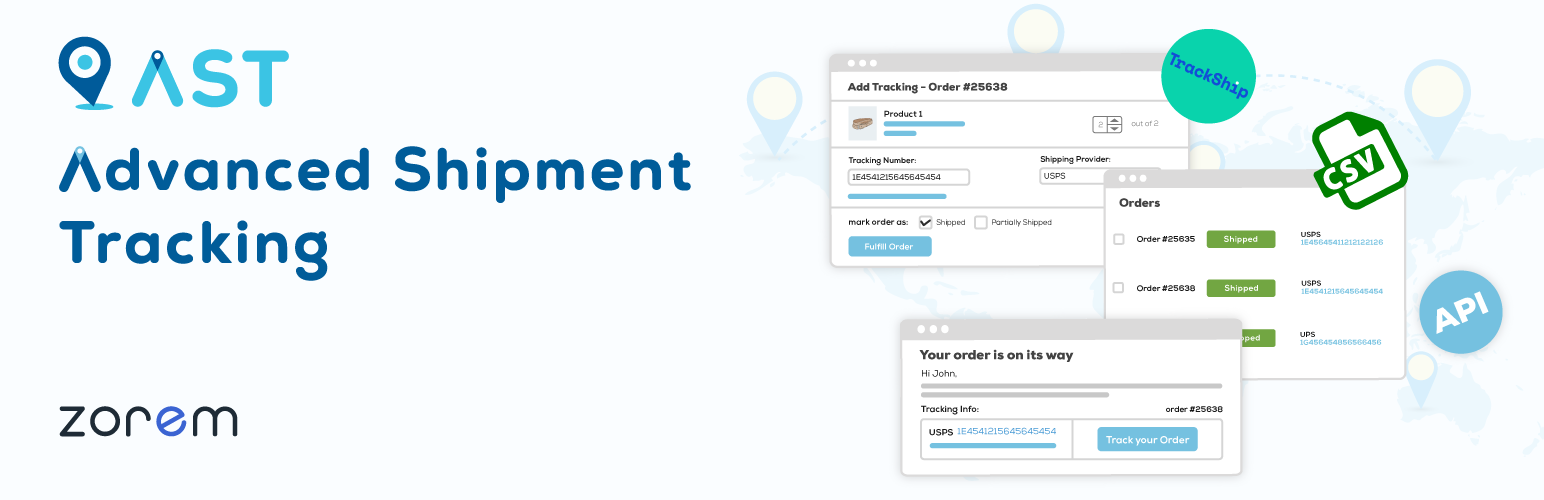
Post-purchase is where a disproportionate number of customer support tickets originate. Most of them ask the same question: where is my order? Advanced Shipment Tracking addresses this directly by letting store owners attach carrier tracking numbers to orders and automatically notify customers when that information is available.
The plugin integrates with a wide range of shipping carriers, updating order status in real time and surfacing tracking information in the customer’s account area and order confirmation emails. This reduces inbound support volume, which is a meaningful operational saving for stores managing fulfillment in-house.
What to watch for in AST:
- Check that your primary shipping carriers are supported before committing to a plan – carrier coverage varies between plugins in this category
- Custom order status labels (e.g., ‘With courier’ vs. the default ‘Shipped’) make tracking communications feel more professional and reduce confusion
8. Product Import Export for WooCommerce
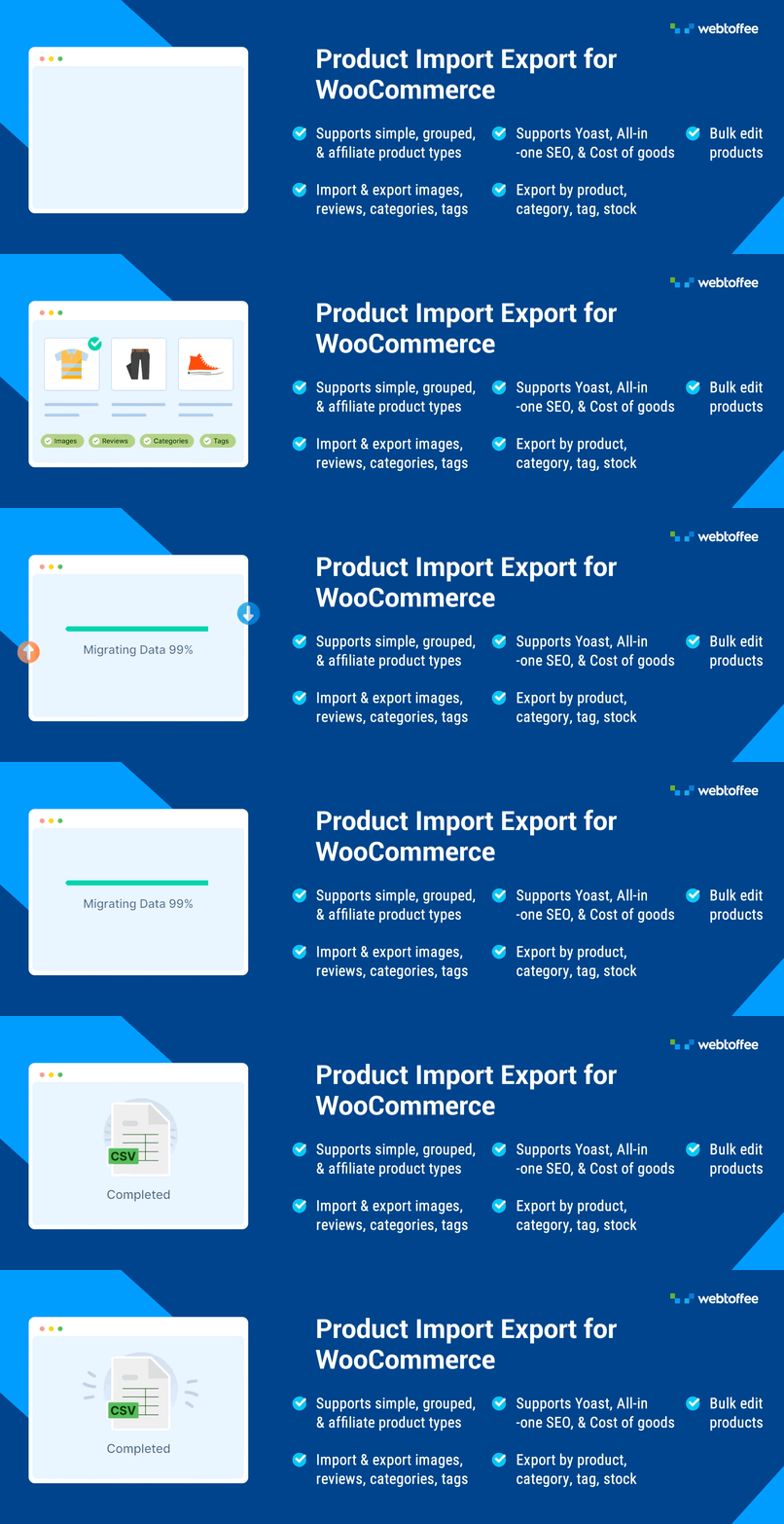
Managing a catalog of more than a few dozen products through the WooCommerce admin interface is impractical. Product Import Export for WooCommerce solves the data handling problem: products, variations, images, and custom attributes can all be exported to CSV, XML, or Excel, edited in bulk, and re-imported cleanly.
Additionally, the plugin offers a free version that covers essential import and export functionalities using CSV files, along with basic filtering and mapping options. This makes it ideal for small stores or simple data management needs, while the premium version provides advanced features like support for multiple file formats, scheduling, and enhanced automation for larger, more complex operations.
What to watch for in Product Import Export for Woo:
- Always export a full backup before running a bulk import – a mapping error can overwrite clean data at scale
- Variable products with many attribute combinations require careful column mapping; test with a small batch before importing your full catalog
9. Product Feed for WooCommerce
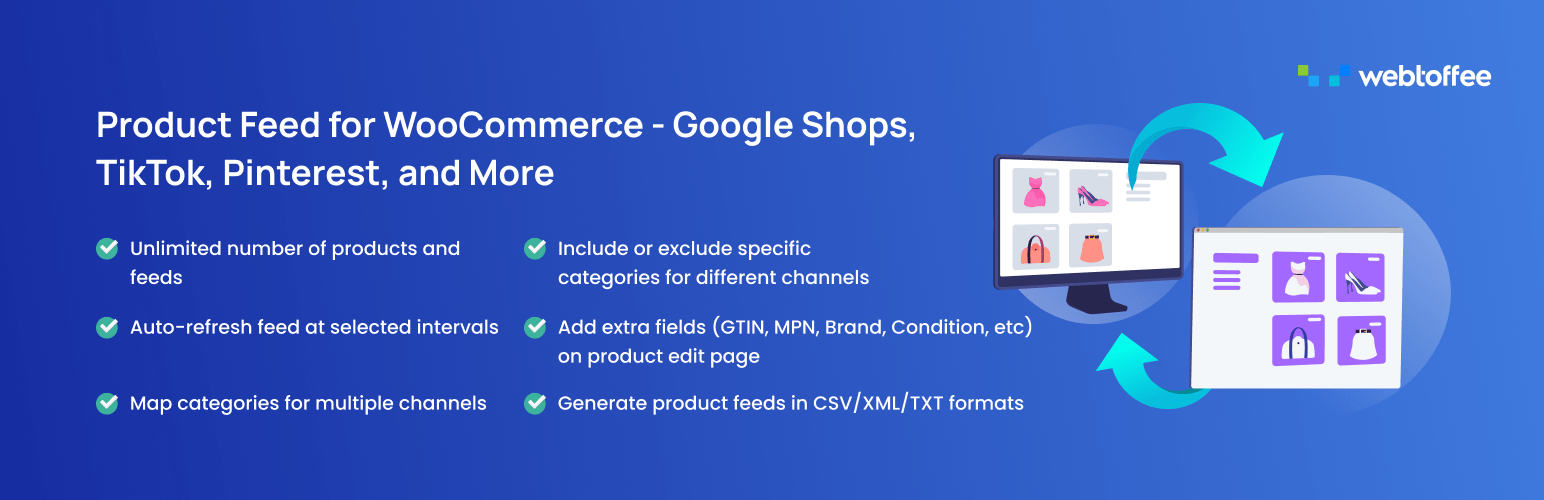
Selling exclusively through your own store limits your reach. Google Shopping, Facebook/Instagram catalogues, and comparison marketplaces like PriceRunner or Idealo can collectively drive significant traffic – but they require your product data in a specific, regularly updated format. Product Feed Pro for WooCommerce automates that process.
The plugin generates feeds in the formats each channel requires, maps your WooCommerce categories to Google and Meta’s taxonomy, and keeps listings current through scheduled updates. For stores running Google Performance Max campaigns, an accurate, well-structured feed is foundational – poor feed quality directly limits campaign performance regardless of budget.
The free version handles basic feed creation for the major channels. As your product catalog grows or you add more channels, the paid version’s advanced filtering (e.g., excluding out-of-stock products or products below a margin threshold) and real-time sync options become increasingly valuable.
What to watch for in Product Feed for Woo:
- Google disapproves listings with missing or mismatched GTIN/MPN data – ensure your product data is complete before generating a Shopping feed
- Feeds require regular updates; stale pricing or availability data can lead to channel penalties or poor ad performance
Stage 3: WooCommerce Plugins Toolkit for Advanced Users (Scale & Automation)
At the advanced stage, the operational challenges shift from individual features to system-level efficiency. You are dealing with larger data volumes, more complex customer relationships, and processes that need to run reliably without manual intervention. The two plugins in this stage address those needs.
10. WooCommerce Subscriptions

Subscription revenue changes the economics of running a store. Instead of needing to re-acquire customers with every purchase cycle, subscribers generate predictable monthly or annual revenue that compounds as your base grows. WooCommerce Subscriptions is the most established plugin for building this model, supporting flexible billing schedules – weekly, monthly, quarterly, or annual, with automatic renewals handled through your existing payment gateway.
Beyond billing, the plugin gives customers control over their own subscriptions through the account dashboard: they can pause, cancel, or change delivery frequency without contacting support. This self-service capability reduces churn by removing friction from the subscription management experience. Failed payment handling is also built in, with configurable retry schedules and customer notification sequences before a subscription lapses.
What to watch for in WooCommerce Subscriptions:
- Recurring payment support must be verified for your specific payment gateway — not all gateways handle subscription renewals identically
- Subscription product pricing strategy matters: too large a discount for committing upfront can erode margins; too small an incentive reduces sign-up rates
11. Import Export Suite for WooCommerce
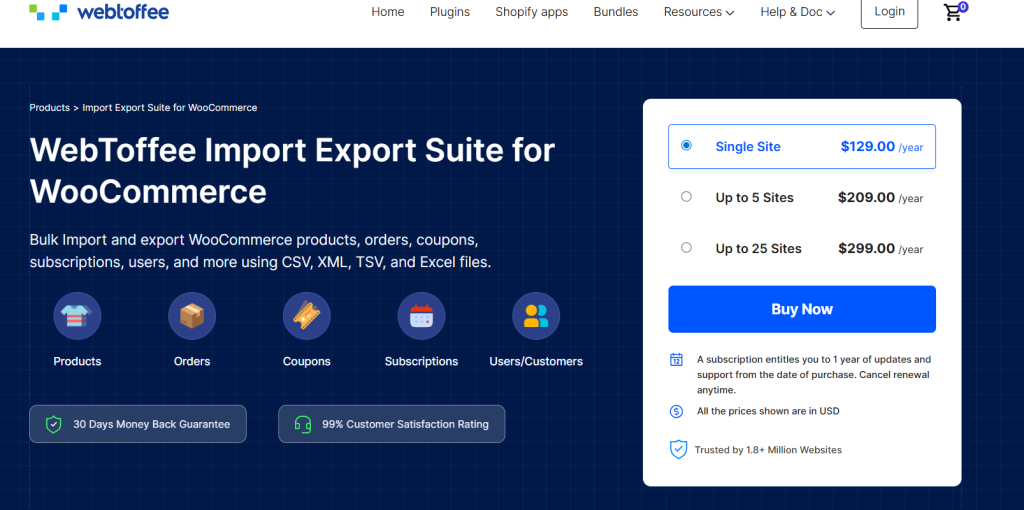
At scale, the data management challenges extend well beyond product catalogs. Orders need to be exported for financial reporting or fulfillment partner integrations. Customer records need to be synced with CRM or email marketing platforms. Coupon batches need to be loaded from external campaign files.
The Import Export Suite from WebToffee handles all of these data types under a single interface -products, orders, customers, coupons, and subscriptions. The suite’s most operationally significant feature is scheduled automation.
Instead of manually triggering exports each time your accountant needs updated order data, or each time your fulfillment partner needs a fresh pick list, you configure the export once, and it runs on a schedule. Combined with support for multiple file formats – CSV, XML, TSV, and Excel – it integrates cleanly with most external business systems.
What to watch for in Import Export Suite for Woo:
- Map your integration touchpoints before configuring the suite — knowing exactly which systems need which data in which format makes configuration significantly faster
- For GDPR-covered stores, be deliberate about which customer data fields are included in exports, particularly when sharing files with third-party fulfillment partners
Conclusion
A well-chosen plugin stack is not about having the most tools – it is about having the right tools at the right time. The eleven plugins in this guide cover the full operational range of a WooCommerce store: taking payments reliably, presenting your brand professionally, protecting customer privacy, automating documentation, running effective promotions, keeping customers informed, managing your catalog, reaching new channels, building recurring revenue, and handling data at scale.
Recent Articles


S. M. Navid Anjum
Digital Marketing enthusiast who loves to write technical reviews and trendy contents. Currently working with WordPress Plugin Marketing and growth. Open to collaboration and co-marketing opportunities with any SaaS and plugins.


Leave a Reply
You must be logged in to post a comment.