

Contents
- Why People Look for a BetterDocs Alternative
- BetterDocs Alternatives at a Glance
- Best BetterDocs Alternatives for WordPress
- How These Alternatives Compare to BetterDocs
- Which Alternative Fits Your Situation
- How to Move Your Docs From BetterDocs
- What to Pair With Your Knowledge Base
- FAQs on BetterDocs Alternatives
- Wrapping Up
7 Best BetterDocs Alternatives for WordPress in 2026
BetterDocs is a solid knowledge base plugin. For most people, the search for an alternative starts with one specific moment.
You launch a second product. Or you take on a client site. Or your team needs an internal help centre separate from the public one. You go to create a second knowledge base, and you find out it is a Pro feature.
That is the most common reason people start looking, but it is not the only one. Analytics are Pro. The internal knowledge base is Pro. If you work in the block editor rather than Elementor, parts of the plugin can feel like they were built for someone else.
This post covers 7 BetterDocs alternatives for WordPress, what each one does best, and which one fits your situation. Every plugin here except one has a free version you can try today.
Let’s get into it.
Why People Look for a BetterDocs Alternative
Before comparing plugins, it helps to be clear about what sends people looking in the first place. These are the limits users run into most often, taken from BetterDocs’ own documentation and plugin listing.
Multiple knowledge bases are a Pro feature. The free version covers one knowledge base. If you sell more than one product, or document more than one site, you need the paid plan.
Analytics are a Pro feature. Free users cannot see which articles get read, which get skipped, or where people give up. That makes it hard to know what to write next.
The internal knowledge base is a Pro feature. Restricting docs by user role, so your team sees things customers do not, requires an upgrade.
The Instant Answer bot is a Pro feature. The in-page answer bar that surfaces articles without a page load sits behind the paywall too.
The design tooling leans on Elementor. Several of the layout and multiple knowledge base widgets are built for Elementor. If your site runs on the block editor, that is extra weight you are not using.
Pricing is yearly. Some teams would rather pay once for a plugin that does one job, instead of renewing every year.
None of this makes BetterDocs a bad plugin. These are just the edges people hit, and each one points toward a different alternative.
BetterDocs Alternatives at a Glance
Here is a quick look at the 7 plugins covered in this guide and what each one is best at.
| # | Plugin | Best for | Free version | Multiple knowledge bases in free |
|---|---|---|---|---|
| 1 | AssistCamp | Block editor users running several products | Yes | Yes |
| 2 | weDocs | A simple, free help centre for one product | Yes | No |
| 3 | Echo Knowledge Base | Teams who want to add features as they grow | Yes | No |
| 4 | EazyDocs | The closest feature-for-feature swap | Yes | No |
| 5 | BasePress | A light, no-fuss docs site | Yes | Yes |
| 6 | Heroic Knowledge Base | Support teams who need real reporting | No | Paid only |
| 7 | Helpie WP | Internal team wikis with front-end editing | Yes | No |
Now let’s look at each one in detail.
Best BetterDocs Alternatives for WordPress
1. AssistCamp
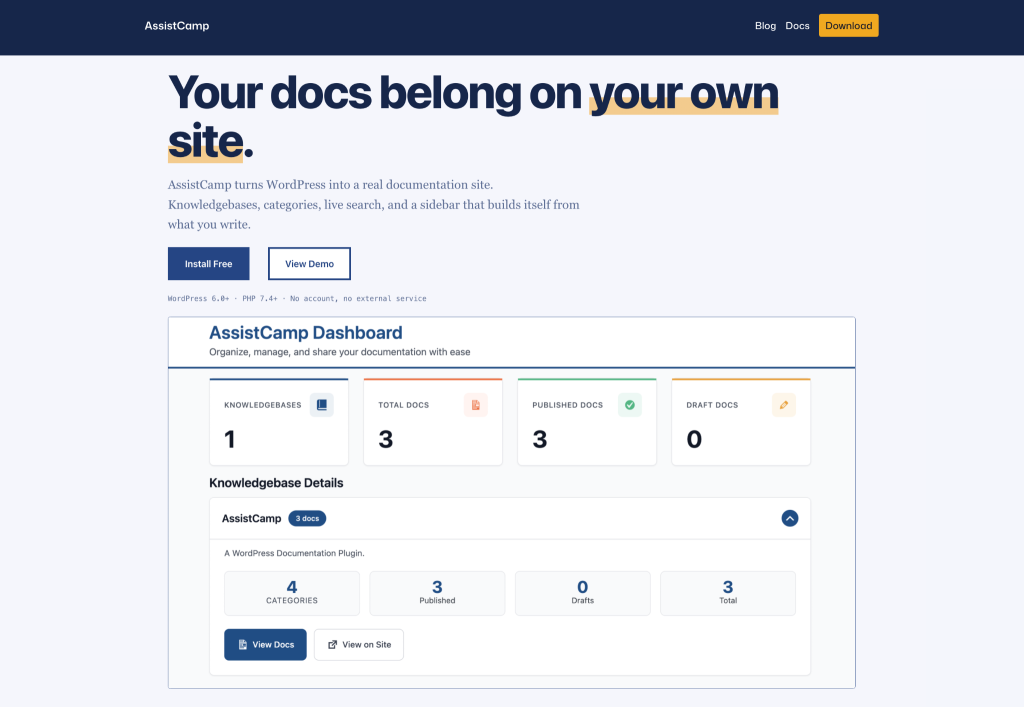
AssistCamp is a block-based WordPress knowledge base and documentation plugin. It is the most direct answer to the reason most people leave BetterDocs, because multiple knowledge bases are included in the free version.
Each knowledge base gets its own categories and tags, so a help centre for one product stays completely separate from another. You can run a public help centre and an internal one, or one per product, without paying for an upgrade.
Everything is written in the WordPress block editor. There is no separate article interface to learn, and no page builder requirement. Articles are organised by dragging categories and docs into the order visitors should see.
Key features
- Unlimited knowledge bases in the free version, each with its own categories and tags
- Built for the block editor, so writing a doc works like writing any other page
- Drag-and-drop ordering for both categories and articles
- Front-end help centre with search, a category sidebar with article counts, and breadcrumbs
- Automatic table of contents on longer articles
- Configurable documentation URL: /docs/, /help/, /support/, or the site root
- Five permalink structures for individual articles, including a custom option
- Cover images per article and a Pillar Content flag for your most important pages
The URL control is worth a closer look if you are switching. Most knowledge base plugins lock you into their own base slug. AssistCamp lets you choose yours, which means you can keep the URLs your readers and search engines already know.
Best for: Product companies with more than one product, block editor users, and anyone who hit the BetterDocs multiple knowledge base paywall. Worth noting that it is a newer plugin with a smaller user base than the long-established options here, and it has no AI writing or chatbot features.
2. weDocs
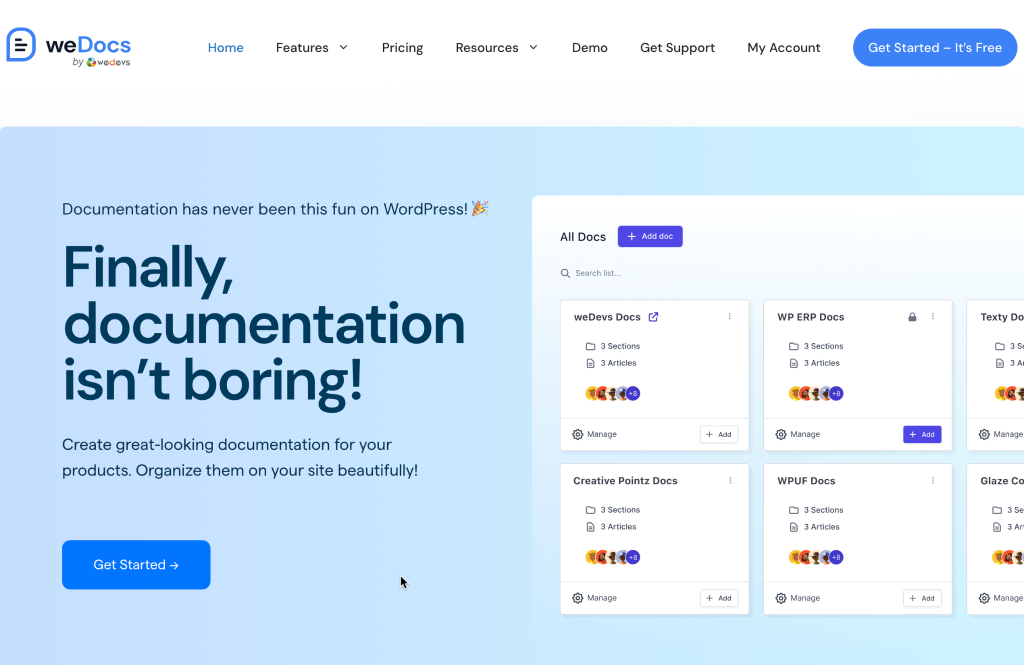
weDocs is a free documentation plugin from weDevs, built around a simple idea: product docs should take minutes to set up, not an afternoon.
The structure is straightforward. Docs, sections, and articles, arranged by drag and drop. There is no layout builder and no long settings screen. For a single product with a few dozen articles, that simplicity is the whole appeal.
It also has one feature that matters specifically for this post: a built-in migration tool that brings your content over from BetterDocs.
Key features
- Free and open source, with the core feature set available to everyone
- Built-in BetterDocs migration
- Drag-and-drop docs, sections, and articles
- Multiple contributors with assigned docs
- Front-end search across your documentation
- Multilingual documentation through Weglot
Best for: Plugin and theme developers documenting a single product, and anyone who wants the shortest possible path off BetterDocs. The trade-off is that it is deliberately basic, so if you need multiple knowledge bases or detailed layout control you will outgrow it.
3. Echo Knowledge Base
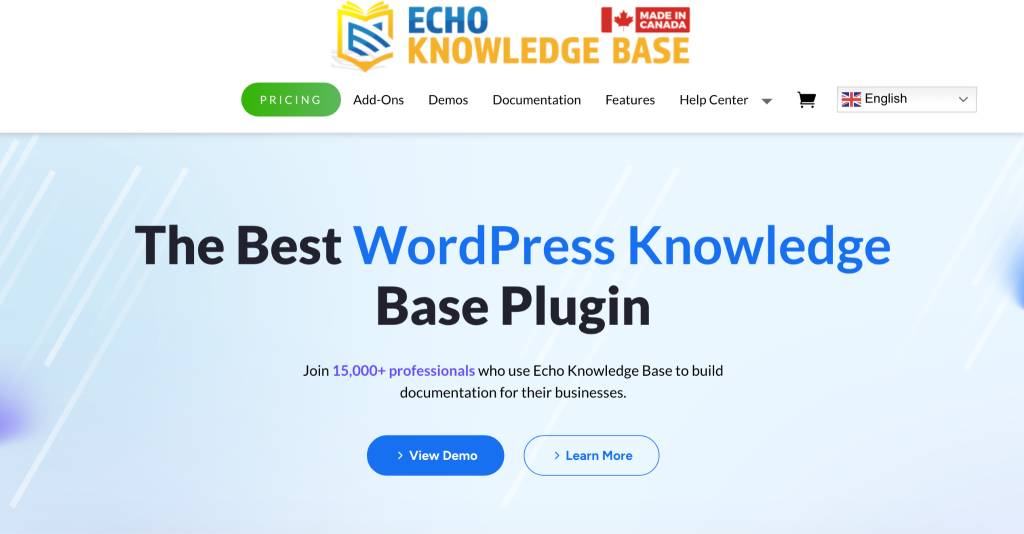
Echo Knowledge Base is the most feature-dense option in this list. Where other plugins give you one way to do something, Echo usually gives you several.
The free version covers one knowledge base with a grid or sidebar layout and working search. From there, the plugin follows an add-on model: article ratings, advanced search, access control, widgets, and more are each available separately, so you pay for the pieces you use.
That flexibility comes with a learning curve. The settings are extensive, and getting the layout exactly right takes longer than with simpler plugins.
Key features
- Multiple layout options for the main knowledge base page
- Configurable article pages with a table of contents
- Front-end search with suggestions
- Add-ons for ratings, advanced search, access control, and more
- Article templates to keep formatting consistent
- Works with the block editor and major page builders
Best for: Teams who expect their documentation needs to grow and want to add capability piece by piece rather than paying for an all-in bundle up front. Be prepared to spend time in the settings.
4. EazyDocs
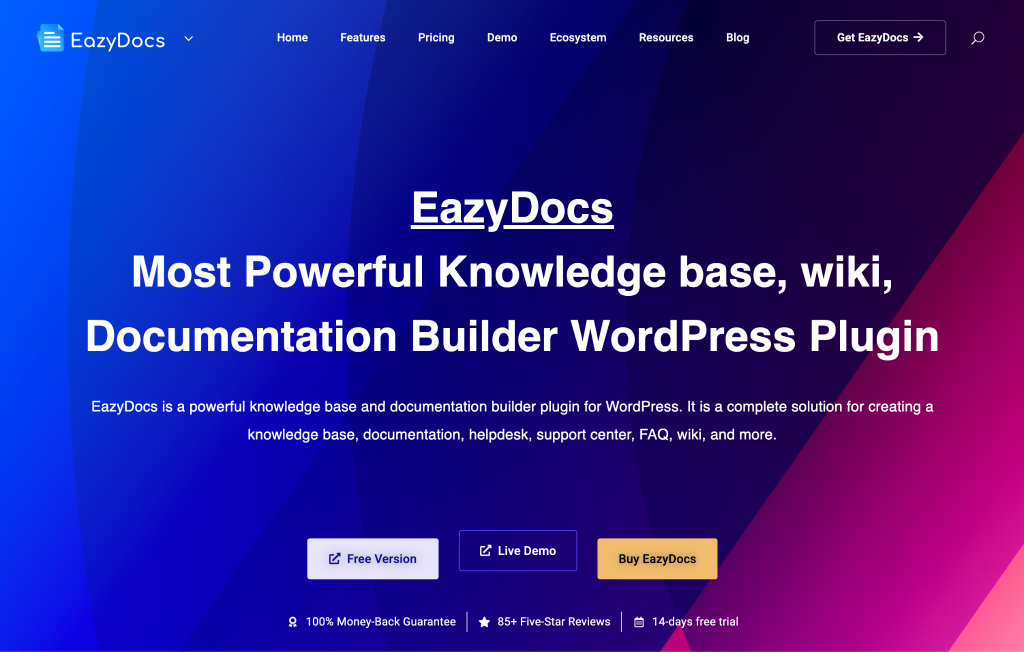
EazyDocs is the closest thing to a like-for-like BetterDocs swap. If you liked how BetterDocs worked and only want to escape a specific limit, this is the shortest mental adjustment.
It covers the same ground: documentation and knowledge base articles, a front-end docs page, search, feedback collection, and analytics on the paid plan. It also includes AI-assisted article writing, which only a handful of plugins in this category offer.
Key features
- Documentation structure with sections and nested articles
- AI-assisted article writing
- Front-end search and a sticky table of contents
- Reader feedback and article ratings
- Documentation analytics on the paid plan
- Works with the block editor and Elementor
Best for: Teams who want a familiar BetterDocs-style experience with a different pricing structure, and anyone who wants AI writing help built into the plugin. Like BetterDocs, several of the features people most want sit on the paid plan.
5. BasePress
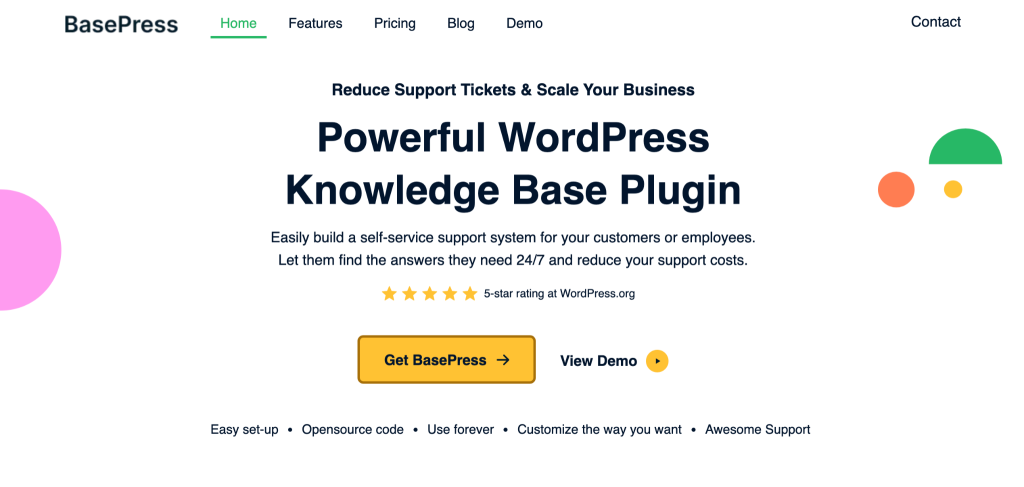
BasePress is a clean, light documentation plugin that does one thing well and does not try to be a page builder.
It is the other plugin on this list that includes multiple knowledge bases in its free version. You can create unlimited knowledge bases, sections, and articles without paying, which makes it a genuine option for agencies and multi-product teams on a budget.
The front end is simple and fast. There is a setup wizard, drag-and-drop ordering, and AJAX search, with layout and styling options kept intentionally minimal.
Key features
- Unlimited knowledge bases, sections, and articles in the free version
- Setup wizard that gets a docs site live quickly
- Drag-and-drop reordering of knowledge bases and sections
- AJAX-powered search
- Knowledge base statistics
- Premium adds WPML support, more layouts, and extra roles
Best for: Anyone who wants a straightforward documentation site with minimal setup and no interest in heavy customisation. The design options are limited by choice, so if you want a highly branded help centre you will be working against the plugin.
6. Heroic Knowledge Base
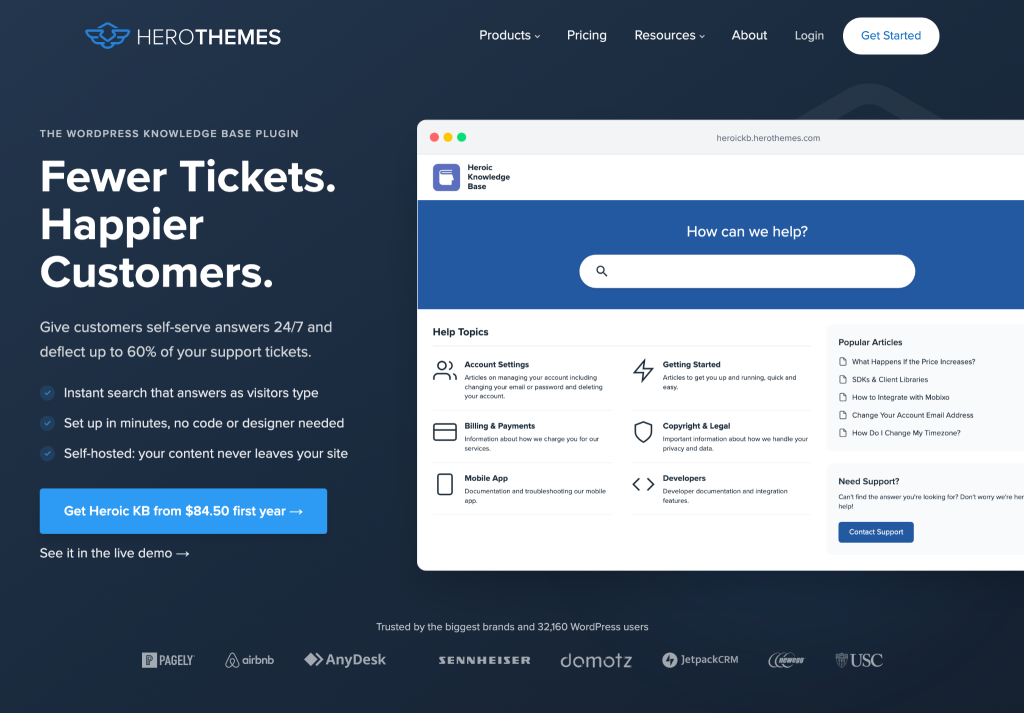
Heroic Knowledge Base from HeroThemes is the premium end of this category. There is no free version, which rules it out for some readers immediately, but it earns its place for one reason: reporting.
Most knowledge base plugins tell you which articles were viewed. Heroic tells you what people searched for and found nothing, which articles failed to answer the question, and where readers gave up. That turns your help centre into a list of what to write next.
Key features
- Instant AJAX search with failed-search reporting
- Article feedback with helpful and unhelpful voting
- Detailed knowledge base analytics
- Article categories with drag-and-drop ordering
- Attachments and restricted articles
- Well-supported, long-established plugin
Best for: Support teams at companies where documentation is a serious job rather than a side task, and where knowing what customers cannot find is worth paying for. The lack of a free version means you commit before you try.
7. Helpie WP
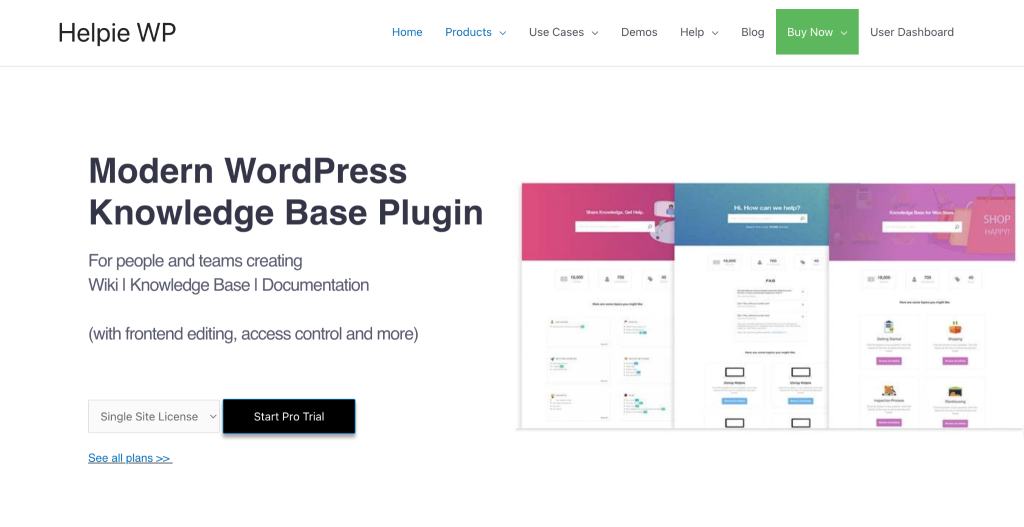
Helpie WP takes a different approach from everything else here. It is a wiki plugin, which means your team can create and edit articles from the front end of the site rather than from the WordPress admin.
That sounds like a small difference. In practice it changes who contributes. A support agent who would never open the WordPress dashboard will happily fix a wrong sentence on a page they are already reading.
Key features
- Front-end article creation and editing
- Role-based permissions for who can read and edit
- Revision history so changes can be reviewed and rolled back
- Built on the block editor
- Article voting and inline feedback
- Password-protected and private sections
Best for: Internal team wikis, standard operating procedures, and documentation that many people contribute to. It is a weaker fit for a polished, public-facing product help centre, where the other plugins here look better out of the box.
How These Alternatives Compare to BetterDocs
This table lines each plugin up against BetterDocs on the points that usually decide the switch.
| Plugin | Multiple KBs in free | Analytics in free | Main editor | Free version |
|---|---|---|---|---|
| BetterDocs | No | No | Block editor + Elementor | Yes |
| AssistCamp | Yes | No | Block editor | Yes |
| weDocs | No | No | Block editor | Yes |
| Echo Knowledge Base | No | No | Block editor + builders | Yes |
| EazyDocs | No | No | Block editor + Elementor | Yes |
| BasePress | Yes | Basic stats | Block editor | Yes |
| Heroic Knowledge Base | Paid only | Paid only | Block editor | No |
| Helpie WP | No | No | Front-end + block editor | Yes |
Two plugins include multiple knowledge bases at no cost: AssistCamp and BasePress. The difference between them is scope. BasePress keeps things deliberately minimal. AssistCamp gives each knowledge base its own categories and tags and lets you control the documentation URL structure, which matters more once you are running several help centres on one site.
Which Alternative Fits Your Situation
You sell more than one product. You need separate help centres that do not mix categories. AssistCamp and BasePress both do this for free. Pick AssistCamp if you want each knowledge base to have its own category and tag sets and control over the URLs. Pick BasePress if you want the simplest possible setup.
You are an agency documenting client sites. You want something a non-technical client can update after handover. AssistCamp and weDocs both keep everything in the familiar block editor, so there is no new interface to teach. Helpie WP is worth a look if the client’s team will edit pages directly.
You need an internal team wiki. Helpie WP is built for this, with front-end editing and revision history. AssistCamp also works if you want a separate internal knowledge base sitting alongside your public one.
Documentation is a core part of your support operation. Heroic Knowledge Base is the one to look at. Failed-search reporting tells you what customers wanted and could not find, which is the most useful thing a help centre can tell you.
You just want off BetterDocs with the least effort. weDocs has a built-in BetterDocs migration tool, which makes it the quickest move.
How to Move Your Docs From BetterDocs
Switching plugins is less painful than most people expect, as long as you handle the URLs. Here is the order to do it in.
1. Export your content first. BetterDocs supports CSV and XML export. Do this before you touch anything else, and keep the file somewhere safe. If you prefer, a full WordPress export (Tools, then Export) also captures your docs as a WXR file.
2. Note your current URL structure. BetterDocs uses /docs/ as its base slug by default. Write down the full path of a few articles. You will need these in step five.
3. Recreate your categories before importing articles. Most plugins use their own taxonomy, so categories rarely come across cleanly. Setting them up first means articles land in the right place instead of needing to be sorted afterwards.
4. Import the articles. weDocs has a built-in BetterDocs migration tool, which is the only direct path in this list. For the other plugins, import your WXR file through Tools, then Import, and reassign articles to the right categories.
5. Keep your URLs, or redirect them. This is the step people skip, and it is the one that costs traffic. If your new plugin lets you set the base slug, set it to match what you had. AssistCamp lets you choose the documentation URL, so you can keep /docs/ and avoid redirects altogether. If your new plugin uses a fixed slug, set up 301 redirects from the old paths to the new ones before you launch.
6. Check your search console after a week. Watch for 404s on old documentation URLs. Anything that shows up is a redirect you missed.
What to Pair With Your Knowledge Base
A knowledge base answers the questions that have a fixed answer. Pricing, setup steps, compatibility, policies. It handles a surprising share of your support volume, but it will never handle all of it.
For everything else, people need a way to reach you.
HelpGent covers the conversation after the docs run out. Visitors send video messages, voice notes, or screen recordings explaining their problem, and your team replies when ready. Nobody has to be online at the same time, which makes it practical for small teams in a way live chat is not. A customer who cannot describe their issue in text can simply record their screen.
FormGent handles the first step: the inquiry form itself. Conversational and multi-step forms ask one question at a time instead of presenting a wall of fields, which gets more of them completed.
Together with a knowledge base, this covers the full path: the docs answer what they can, the form captures the rest, and HelpGent carries the conversation to a resolution.
FAQs on BetterDocs Alternatives
Is the free version of BetterDocs enough for a small site?
For one product with one help centre, yes. The free version handles docs, categories, search, and a table of contents. You run into limits when you add a second product, want analytics, or need an internal knowledge base, since all three are Pro features.
Which BetterDocs alternative offers multiple knowledge bases for free?
AssistCamp and BasePress both include multiple knowledge bases in their free versions. AssistCamp gives each knowledge base its own categories and tags and lets you control the documentation URL. BasePress keeps the setup simpler with fewer options.
Can I move my BetterDocs articles to another plugin?
Yes. BetterDocs supports CSV and XML export, and WordPress has a built-in importer. weDocs also has a dedicated BetterDocs migration tool. The part to plan for is URLs: keep your old base slug if the new plugin allows it, or set up 301 redirects.
What is the best free BetterDocs alternative?
It depends on what you need. AssistCamp is the strongest free option if you need multiple knowledge bases in the block editor. weDocs is the simplest for a single product. BasePress sits between the two.
Do I still need a knowledge base if I use a support tool?
Yes, and they work better together. A knowledge base answers repeat questions without anyone replying. A support tool handles everything a static page cannot. Most teams see their ticket volume drop once the common questions are documented properly.
Wrapping Up
There is no single best BetterDocs alternative, because people leave BetterDocs for different reasons.
| Plugin | What it does best |
|---|---|
| AssistCamp | Multiple knowledge bases free, in the block editor, with URL control |
| weDocs | Simple free docs with a direct BetterDocs migration |
| Echo Knowledge Base | Add-on model that grows with your needs |
| EazyDocs | Closest feature-for-feature BetterDocs swap |
| BasePress | Light, fast setup with unlimited knowledge bases free |
| Heroic Knowledge Base | Reporting that shows what customers could not find |
| Helpie WP | Front-end editing for internal team wikis |
Start with the limit that pushed you to look in the first place. If it was the multiple knowledge base paywall, try AssistCamp or BasePress. If it was pricing, weDocs costs nothing. If it was reporting, Heroic is the one worth paying for.
Every plugin here except Heroic has a free version, so you can test two or three on a staging site before committing to any of them.


Rezaul Karim
Rezaul Karim is a passionate Digital Marketer driven by curiosity and creativity in the ever-evolving world of online marketing. With over 6 years of hands-on experience in Content Writing, Copywriting, SEO, and Social Media Marketing, he brings a strategic edge to crafting content that engages and converts. Always eager to explore new trends and tools, Rezaul thrives on finding smarter ways to connect brands with their audiences. Outside of work, he enjoys diving into books or recharging in nature.
Leave a Reply
You must be logged in to post a comment.